MediConvert
Video & Audio Format Converter — offline, fast, Apple Silicon native.
Drag in. Convert. Done. No network. No bloat.
macOS 14+
HW Accelerated
100% Offline
Self-Contained
SCROLL DOWN
▼
Video & Audio Format Converter — offline, fast, Apple Silicon native.
Drag in. Convert. Done. No network. No bloat.
A video/audio converter built for speed — hardware-accelerated, fully offline, zero dependencies.
VideoToolbox H.264/HEVC + AudioToolbox AAC. Near-zero CPU usage on Apple Silicon.
No network, no tracking, no data collection. Your files stay on your machine. Always.
FFmpeg 8.1.2 bundled inside the app. No Homebrew, no dependencies to install.
8 video formats (MP4, MKV, MOV, WebM, AVI...) + 10 audio formats (MP3, AAC, FLAC, WAV...).
Live speed indicator, ETA timer, and visual progress bar. Always know how long it will take.
English and Simplified Chinese. Follows your macOS system language automatically.
8 video + 10 audio formats, with hardware acceleration where available
| Format | Encoder | Speed |
|---|---|---|
| MP4 | h264_videotoolbox | ⚡ HW |
| MKV | hevc_videotoolbox | ⚡ HW |
| MOV | h264_videotoolbox | ⚡ HW |
| M4V | h264_videotoolbox | ⚡ HW |
| WebM | libvpx-vp9 | 🖥 SW |
| AVI | libx264 | 🖥 SW |
| FLV | libx264 | 🖥 SW |
| WMV | wmv2 | 🖥 SW |
| Format | Encoder | Speed |
|---|---|---|
| MP3 | libmp3lame | 🖥 SW |
| AAC | aac_at | ⚡ HW |
| FLAC | flac | 🖥 SW |
| WAV | pcm_s16le | — RAW |
| OGG | libvorbis | 🖥 SW |
| M4A | aac_at | ⚡ HW |
| OPUS | libopus | 🖥 SW |
| WMA | wmav2 | 🖥 SW |
| ALAC | alac_at | ⚡ HW |
| AIFF | pcm_s16be | — RAW |
⚡ Formats marked with HW use the built-in media engine on Apple Silicon — near-zero CPU, very low power consumption.
Three simple steps — the app handles everything else
Drag any video or audio file into MediConvert. ffprobe instantly detects format, codec, and duration.
Pick a target format and quality. ffmpeg converts with hardware acceleration — track speed and ETA in real time.
Your converted file is ready. Open the output folder or find it where you chose to save.
Beautiful, native macOS design — clean and intuitive
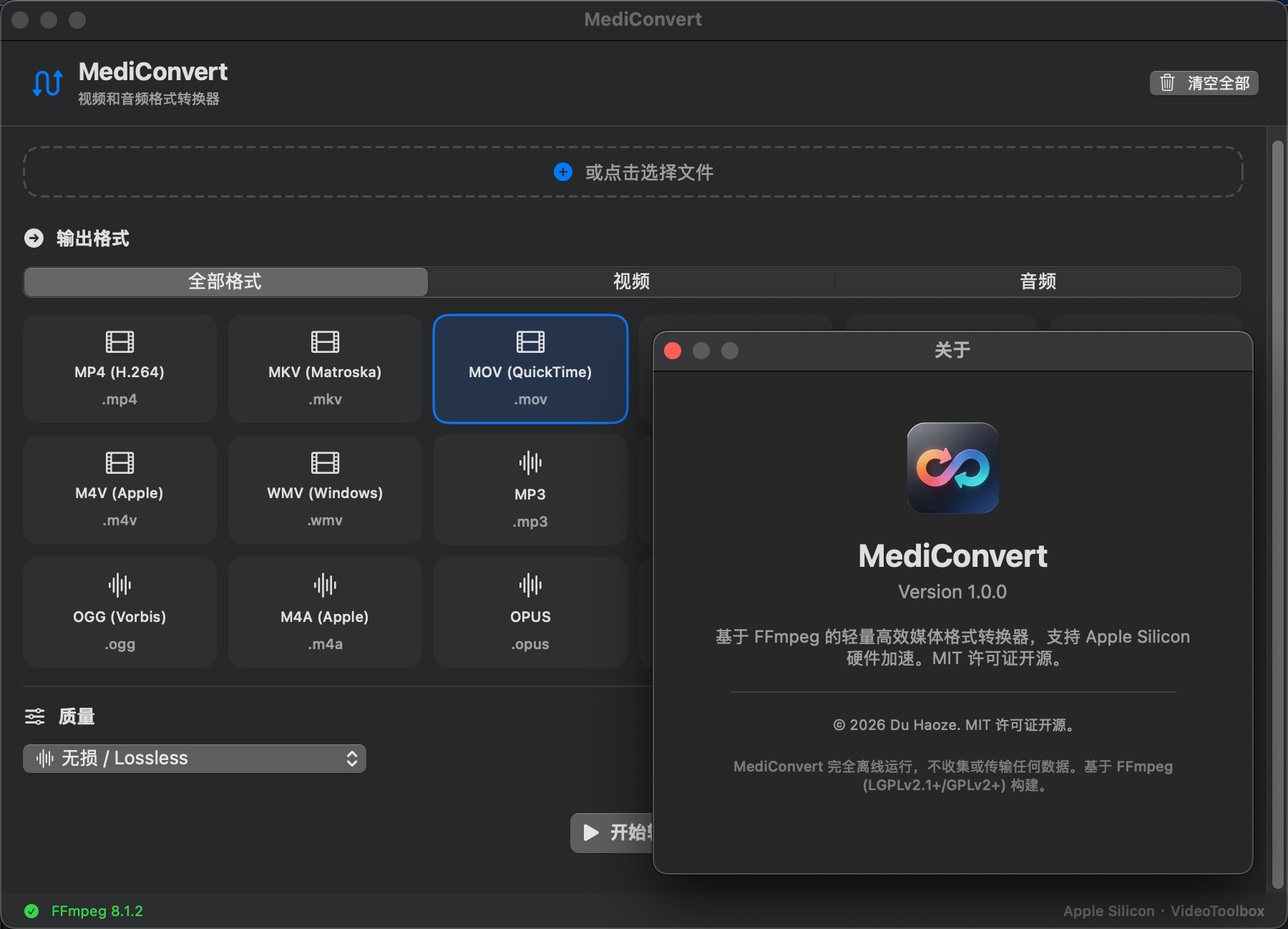
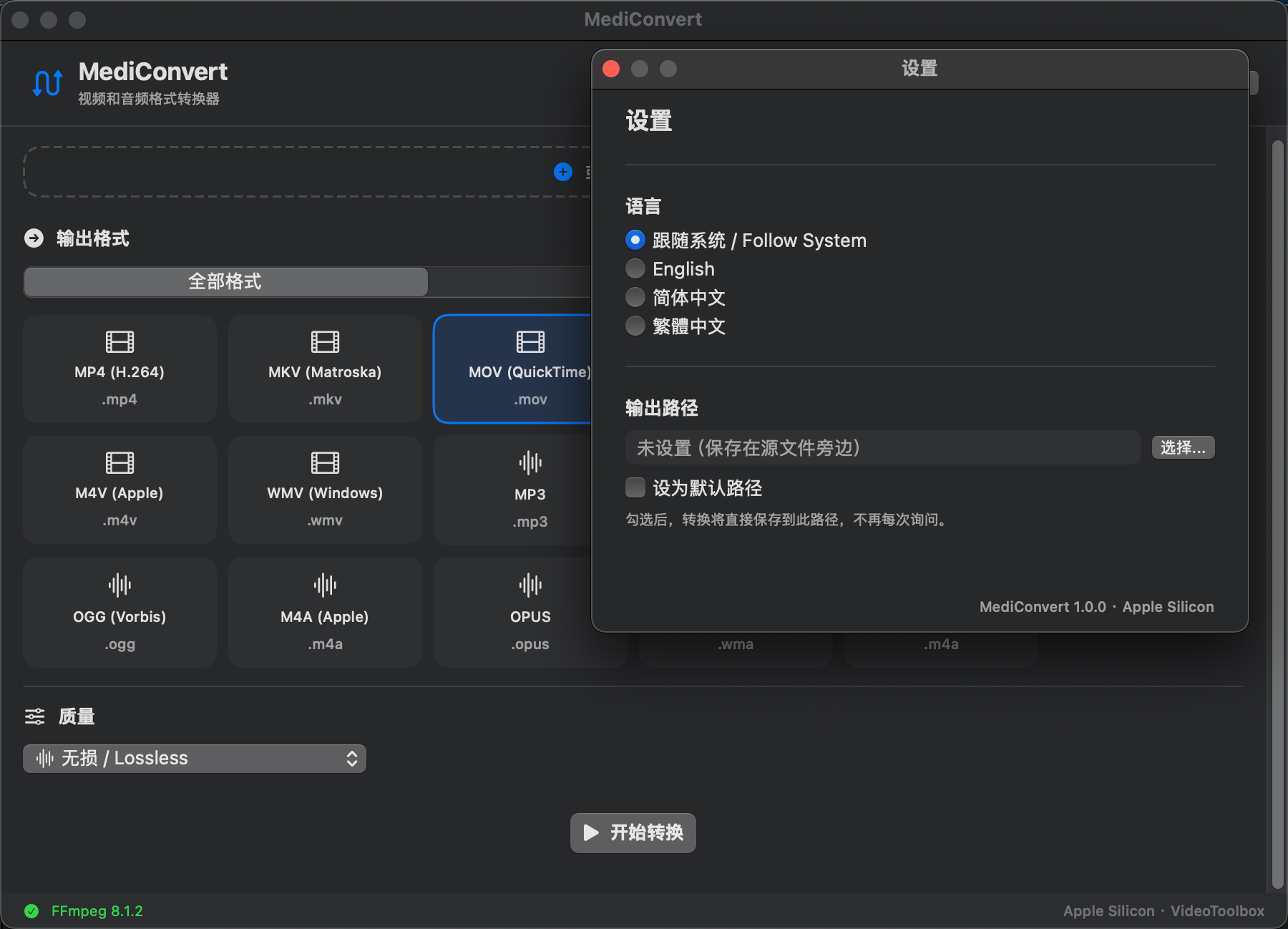
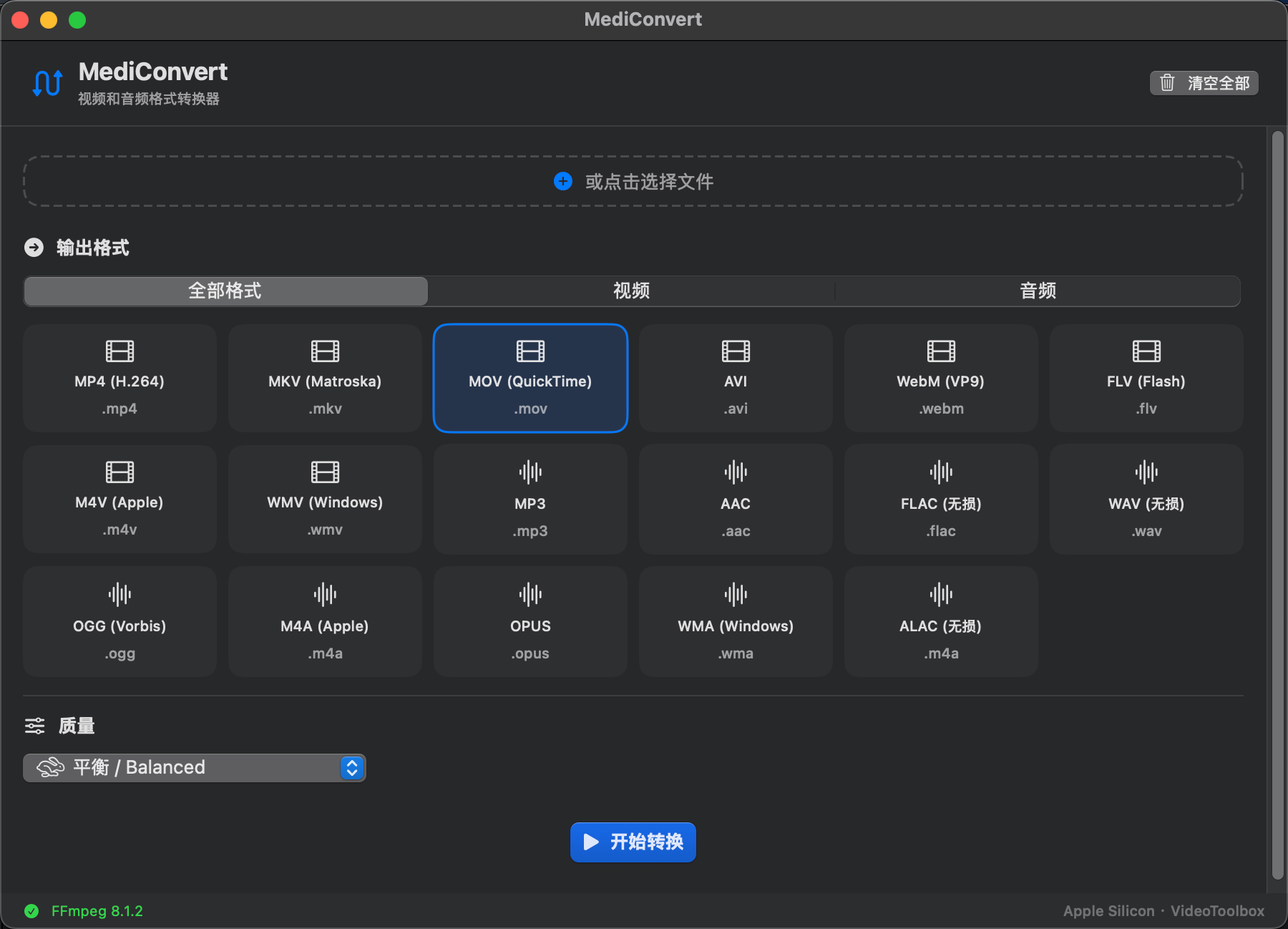
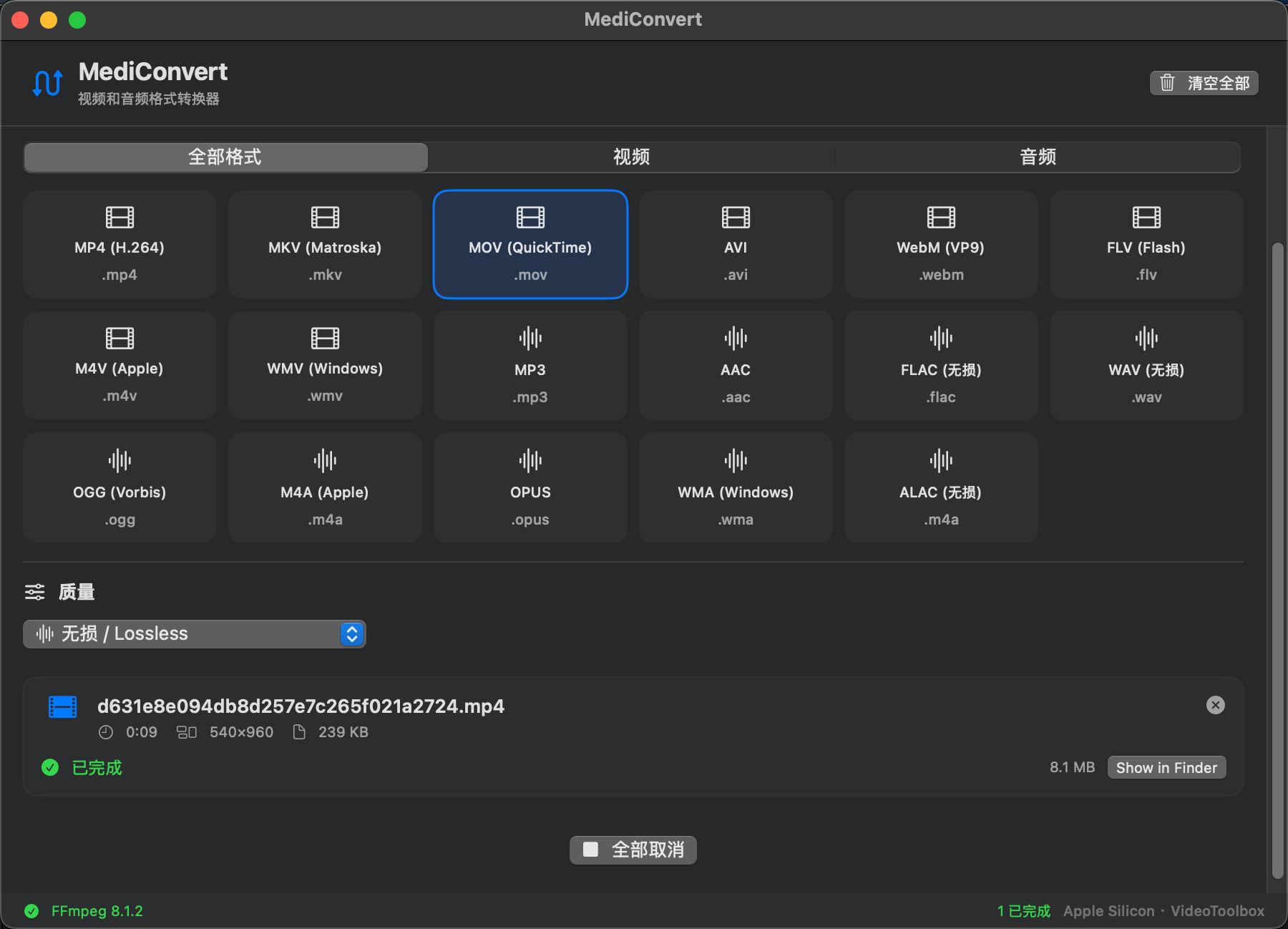
Modern, lightweight, purposeful
Free. Open source. MIT Licensed.
For macOS 14 Sonoma and later
Download from GitHub Releases
Or build from source: bash build.sh — needs macOS 14+ & Xcode CLT